4.7/5 on Trustpilot 30 days satisfaction guarantee
1,000+ happy customers
NewPOVNOMAD app for Android
1,000+ happy customers
4.7 / 5 99.4% recommend us 4.7 / 5 on Trustpilot and a 99.4% recommendation rate on eBay.
As of June 2026
🌐Activate instantly
One-click install button right in the eSIM email — ready in seconds.
📵No roaming
Avoid expensive roaming fees — just switch off your normal SIM card.
🔥Hotspot sharing
4G & 5G
Where available, you are on the best network!
📱iOS & Android
Compatible with iOS, Android and all other eSIM-capable devices.
✉️QR code by email
WhatsApp delivery & data alerts
Make sure to enter your phone number at checkout — we send the eSIM via WhatsApp.
🛡️30 day returns
Trip cancelled? No problem — you have 30 days for a full refund.

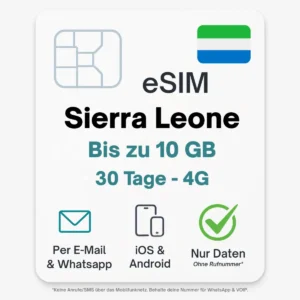
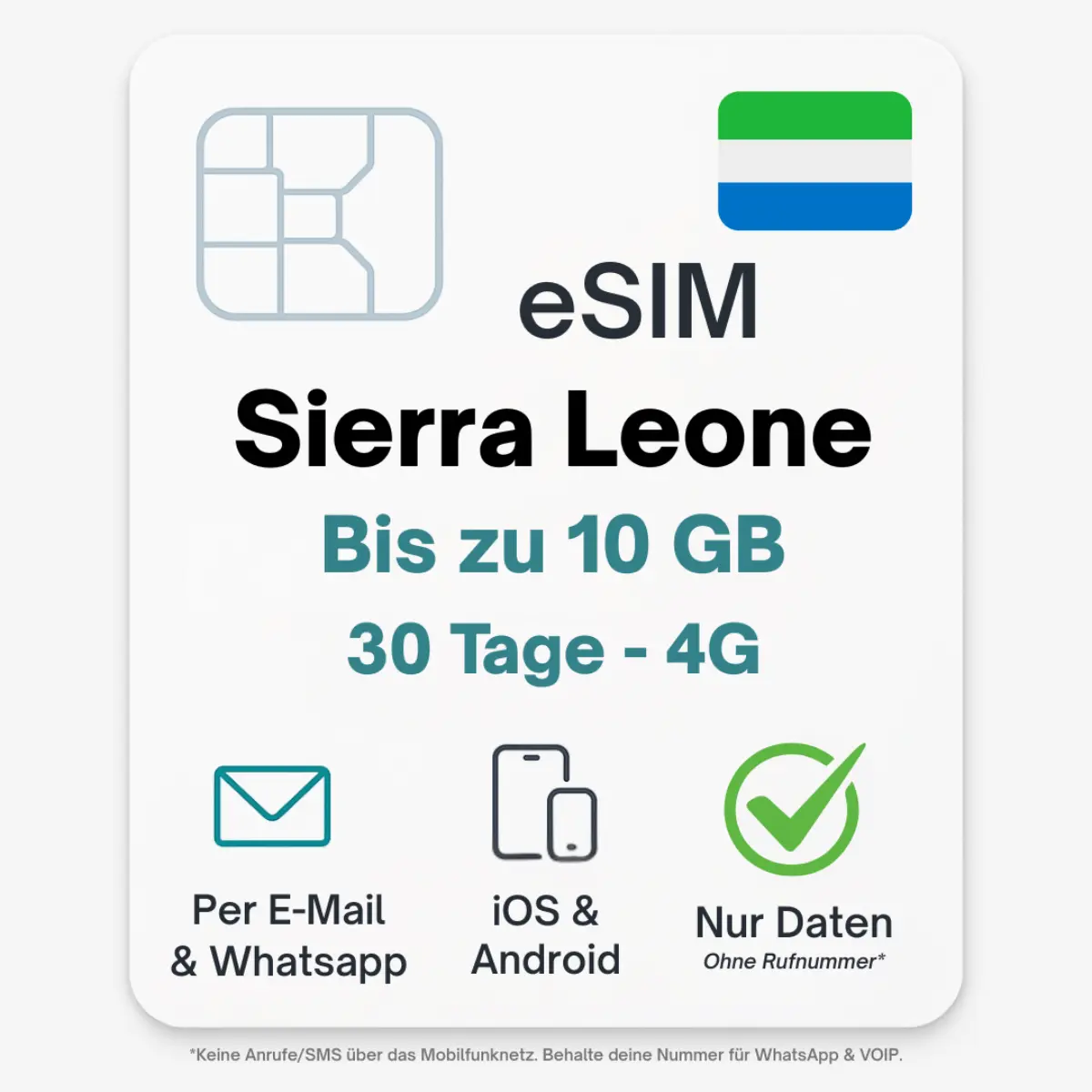
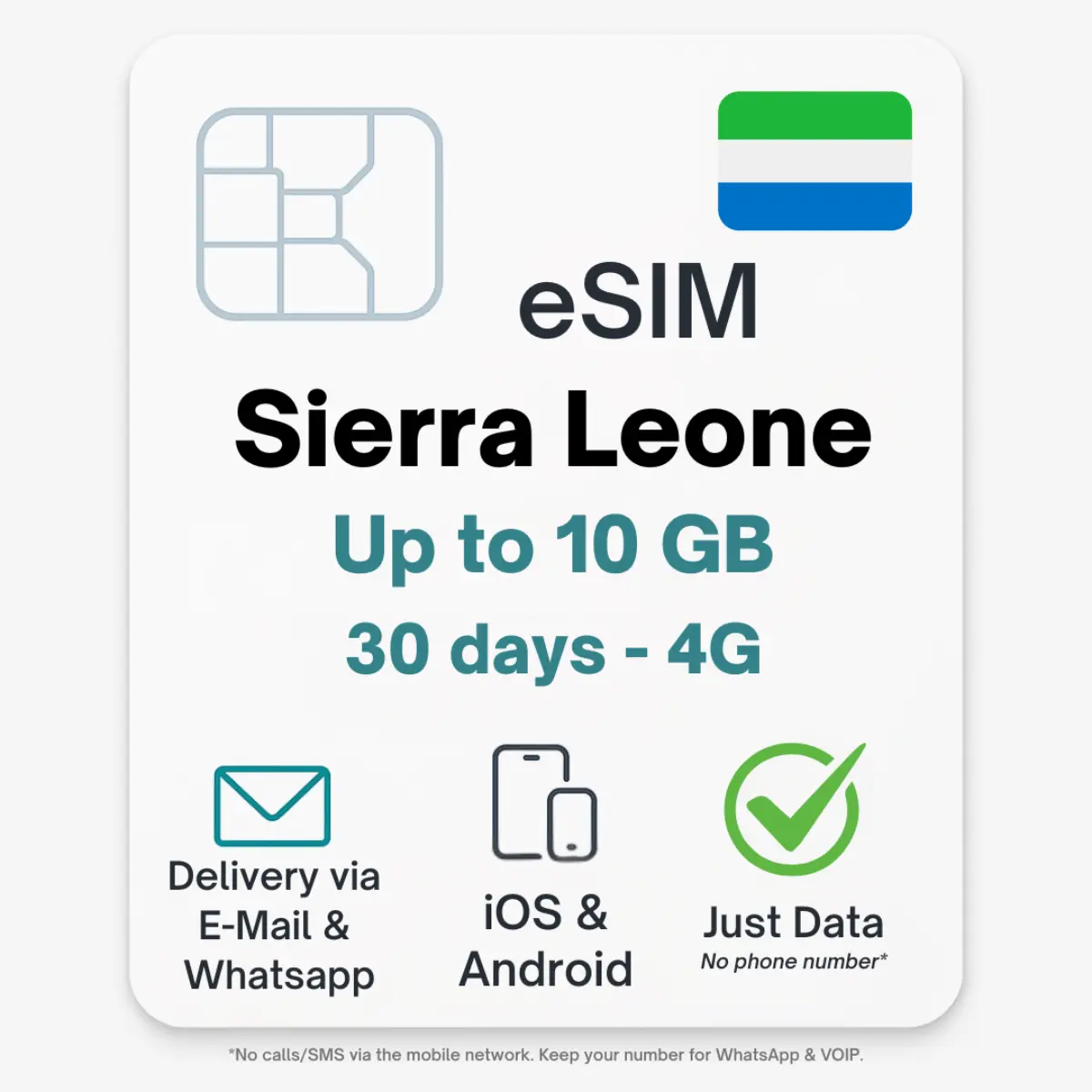
Sierra Leone eSIM

From 8,90

  • eSIM für Marokko
  • Works on all unlocked eSIM-supporting devices
  • Immediate delivery of the QR code
  • Divisible hotspot
  • Full LTE/5G speed – no throttling

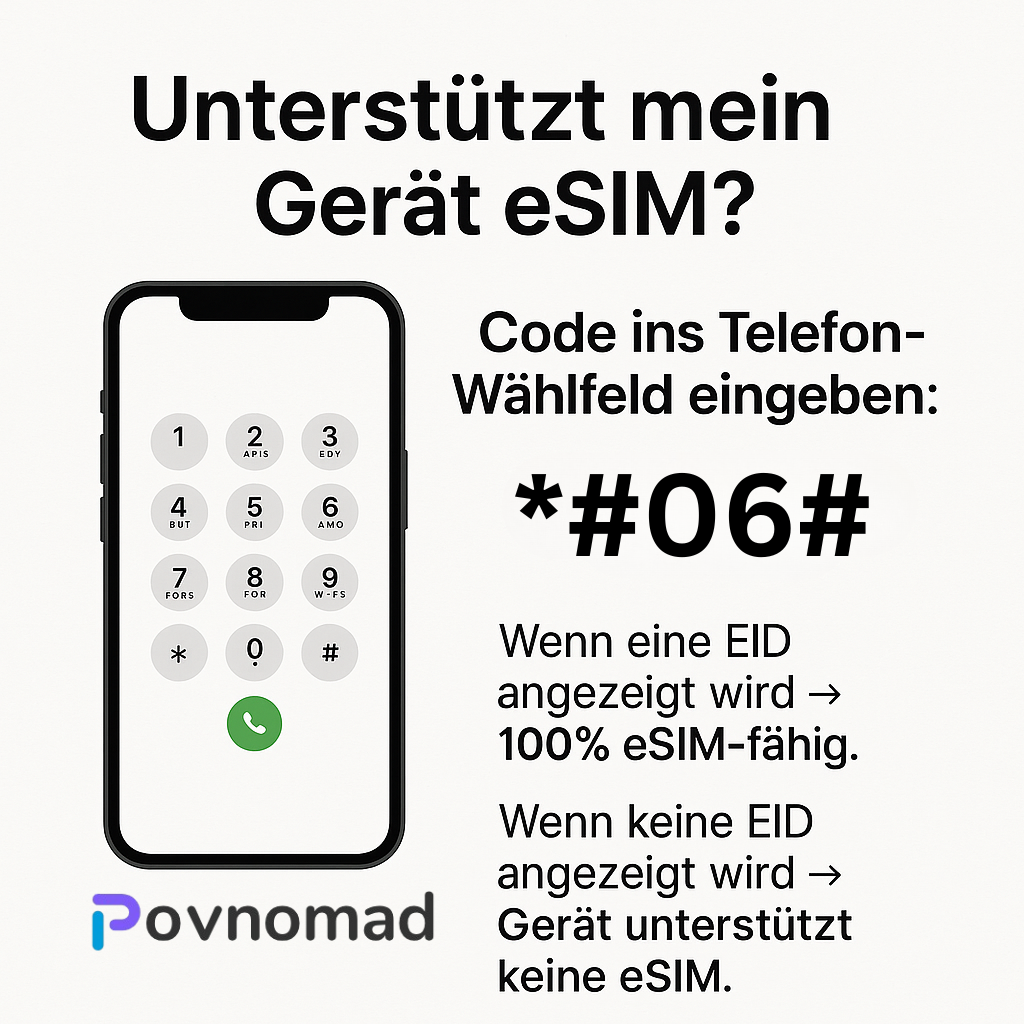
💡 Quick test: dial *#06# — if an EID shows up, your device is eSIM-ready.
14 days
Usage (multiple choice)

💡 No stress if you need more — every plan can be topped up any time.
- +
Sicher & einfach bezahlen

Sierra Leone eSIM · POVNOMAD

Always online in Sierra Leone – without roaming fees

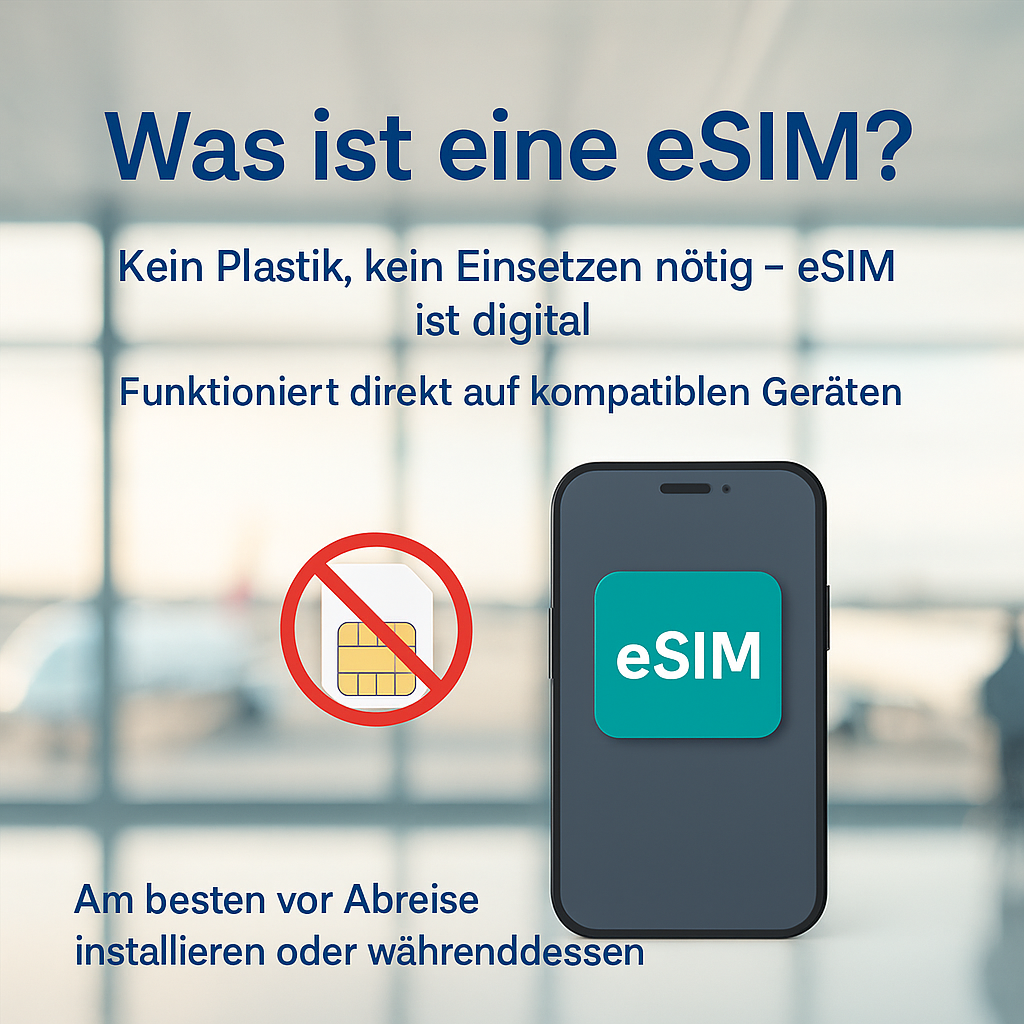
Stay online in Sierra Leone at all times – with the digital POVNOMAD eSIM. Simply scan the QR code, activate it, and get online on the 4G network right after landing. Perfect for Freetown, Bo or the beaches of the Freetown Peninsula.

✓ Ready in seconds ✓ 4G & 5G network ✓ No roaming ✓ 30-day guarantee

This is how easy it is

Online in 3 steps

1

Buy & receive

QR code within 5 min by email & WhatsApp

2

Install the eSIM

One-click install, set up in 2 min

3

Online right away

Connected automatically on arrival

Your benefits at a glance

Ready in seconds

No physical SIM needed

🚫

No roaming

No hidden costs

📶

High speed everywhere

Stable connection at your destination

💻

Hotspot ready

For laptop & tablet

📅

Activate within 100 days

Buy now & be prepared

💬

WhatsApp support

Fast, personal customer service

What does "Unlimited Smart" mean?

The perfect mix of high speed and an always-online guarantee – so you are never stuck without internet on your trip.

Daily high-speed boost: blazing 5G/4G every day – refills fully automatically every 24h.
Always-online guarantee: after the boost you stay online – ideal for maps, WhatsApp & calls.
Speed comparison: how fast is Unlimited Smart? The test

👉 Pick an app to compare the speeds live

POVNOMAD Unlimited Smart Same plan — just two phases a day
Phase 1
High speed
Pick an app
after usage 24h reset
Phase 2
Fair use 1 Mbps
Pick an app

Features

FeatureDetails
Use in🇸🇱 Sierra Leone
Top-up possible✓ Yes
Data only✓ Yes
SMS✗ No
Calls✗ No (VoIP)

Technical data

PropertyDetails
Activate by100 days
Data exitInternational (variable)
Hotspot✓ Yes
Throttling✗ No
NetworkAfricell 4G · Orange 4G (variable)
🛡

Your risk: €0

30-day satisfaction guarantee

Full support, and if the eSIM goes unused we refund the full purchase price. Easy as that.

Please note: we keep optimising our plans. The listed network operators / data-exit countries are examples. Short-notice changes are possible.

Pick the method that suits your device best. Both lead to the same result.

Method 1 – quick install via one-click button

1

Buy your eSIM at povnomad.com

2

You immediately get an email with your QR code, your quick-install buttons and the eSIM LINK.

3

Open your eSIM email and tap “Android” or “iPhone”. Follow the device instructions.

4

Turn on roaming for the eSIM.

or
📷

Method 2 – scan the QR code manually

1

Open the eSIM function (e.g. “Mobile network” or “SIM manager”)

2

Scan the QR code – the eSIM installs itself.

3

Set the eSIM as your primary data connection.

4

Turn on roaming for the eSIM.

💡 Tip: install the eSIM shortly before departure. Installation needs an internet connection.

How to find out whether your phone supports eSIM:

🔗

Check online: check compatibility online – just enter your model.

*#06#

Dial *#06# – does an EID show up? → eSIM-ready!

Check directly in your settings:

📱 iPhone

  1. Settings → Mobile network
  2. Add SIM
  3. “Add eSIM” → ✅ eSIM possible

🤖 Samsung / Android

  1. Settings → Connections
  2. SIM manager
  3. “eSIM” appears → ✅ eSIM-ready
💡 Not every model has the function – even if the series supports eSIM.

Supported devices (selection):

🍎

Apple: iPhone 13, 14, 15 (all variants), SE (2nd gen+)

📱

Samsung: Galaxy S21–S24, Z Flip 3–5, Z Fold 3–5

🔷

Google: Pixel 6, 6a, 7, 7a, 8, 8 Pro

📡

Huawei: P40, P50 (international models only)

🔲

Motorola: Razr 2022, Razr 40

⇒ Check your device now (compatibility check)

Our eSIMs connect automatically to the best available network – e.g. Local 4G networks (e.g. Africell or Orange).

You find the operators in use in your eSIM link under “Networks”.

Network quality by location

Cities & tourist areas: stable 4G/LTE, often 5G too

Remote regions: coverage may be limited

💡 No roaming risk – your eSIM is a prepaid plan.

❓ How do I receive my eSIM?

Straight by email including QR code and instructions – right after purchase.

⏱️ When does the validity start?

On first contact with the partner network – not at purchase. So you can install the eSIM beforehand!

📊 Where do I see my remaining data?

Via your personal eSIM link → “Check Usage”. There you find remaining validity, data, network partners and install buttons.

🔥 Is hotspot allowed?

Yes, in most countries. Details in the product description.

🔋 Can I top up?

Yes! Book extra gigabytes under “Top up eSIM” in the email or in the store.

⚠️ Possible causes – check these:

Not in the destination country yet – reception only after arrival

Turn on mobile data and data roaming for the eSIM

Check the APN settings (details in the eSIM link)

Select the network manually: Settings → Mobile networks → Network operators

💬 More questions?
Instructions to activate

  1. Buy your eSIM on povnomad.com
  2. You will immediately receive an e-mail with your individual QR code, your eSIM LINK and the instructions
  3. Open your eSIM link and click on the “Android” or “iPhone” button – these are quick installation buttons. Follow the device instructions.
  4. Activate roaming for the eSIM
  1. Alternatively: Open the eSIM function on your smartphone (e.g. under “Mobile network” or “SIM manager”)
  2. Scan the QR code – the eSIM is installed
  3. Select the eSIM as the primary data connection
  4. Activate roaming for the eSIM

Tip: Only install the eSIM shortly before departure or arrival in your destination country so that you are directly connected. An Internet connection is required to download the network details for installation.

Here’s how to find out if your smartphone supports eSIM:

The easiest way: Check compatibility online (external website) or by entering the code *#06# into the phone’s keypad — Does an EID appear? If so, the smartphone is eSIM-capable.

You can check directly in the settings whether your device is eSIM-enabled:

  • iPhone:
    Settings → Mobile network → Add SIM
    → If “Add eSIM” or “Add mobile tariff” appears → ✅ eSIM possible
  • Samsung / Android:
    Settings → Connections → SIM manager
    → If “eSIM” or “Add mobile tariff via QR code” is displayed → ✅ eSIM-enabled

💡Tip: Not every model has this function – even if the series supports eSIM.

➜ Check device now (compatibility check)

Supported Devices (Selection):

Many modern smartphones support eSIM. Here are some of the most popular and latest models:

  • Apple: iPhone 13, 14, 15 (all variants), SE (2nd gen and newer)
  • Samsung: Galaxy S21, S22, S23, S24, Z Flip 3-5, Z Fold 3-5
  • Google: Pixel 6, 6a, 7, 7a, 8, 8 Pro
  • Huawei: P40, P50 (international models only)
  • Motorola: Razr 2022, Razr 40

❗ Please note: Some models only support eSIM in certain regions or with special firmware.


Network & Usage:

Our eSIMs automatically connect to the best available network in the country of travel – e.g. MTN, Vodacom, Claro, Orange, AIS or Telkom.

✅ You can find the mobile carriers used in your personal eSIM link below under “Networks.”
📶 You can check how well the network is developed at your destination here:
➜ Check network coverage worldwide (nPerf)

The network quality depends on the location:

  • ✅ In cities and tourist areas: mostly stable 4G/LTE and often also 5G
  • ❗ In remote regions: limited coverage or lower speed

💡 The eSIM only works in the selected country or region. It cannot be used outside that area. The benefit for you: No extra charges—your eSIM is a prepaid plan, so there’s no risk of roaming charges.

FAQ – Frequently asked questions:

How do I get my eSIM?
Directly by e-mail including QR code and instructions – immediately after purchase.

When does the term of my eSIM begin?
At the first contact with the partner network – not at the time of purchase. You can also install the eSIM directly! The days of validity only begin with the first contact in the host country.

I have installed the eSIM, but no contact with the network?
Normally you don’t have to pay much attention during the installation – we recommend scanning the QR code or using the quick installation button in the eSIM link. If the connection does not work immediately, follow our troubleshooting guide (below).

Where can I see the remaining data volume or the remaining term?
You will receive an individual eSIM link by e-mail with details of the eSIM you have ordered. Follow the link and scroll down to “Check Usage” – here you will find the remaining time and remaining data volume. Under the link you will also find exciting additional details such as countries of validity, network partners you can use and quick installation buttons for Android & iPhone.

Is hotspot allowed?
Yes, in most countries. Details can be found in the product description.

Can I top up my data volume or extend the term?
Yes, of course – in the mail delivery you will find the item “top up eSIM” or search for “top up” in the store and book your extra gigabytes!

Is it still not working? Possible sources of error:
– You are not yet in the country / region of the eSIM (e.g. you buy a Turkey eSIM before your vacation, install it on your device – but have no reception? -> Only when you land do you get reception to our partner network, then it works)
– Check whether the following has been activated: 1) Mobile data for the eSIM 2) Data roaming for the eSIM
– Check whether the APN settings have been entered correctly. At the top you will find the APN settings tab (e.g. for Android: here the APN for eSIM Turkey or Georgia must be entered manually – it is “isp”). You can find the correct APN settings under your individual eSIM link that you received by email.
– Select our partner network manually: Settings -> Mobile networks -> Network operator -> Manual search -> You can find our network partner in the POVNOMAD eSIM mail under the “Activate now” button

💬 Do you have any other unanswered questions?
➜ Write to us directly on WhatsApp

👉 More questions? Click here for the complete FAQ page

Sierra Leone eSIMSierra Leone eSIM
From 8,90Select options
0