

Mexico eSIM · POVNOMAD
Always online in Mexico – without roaming fees
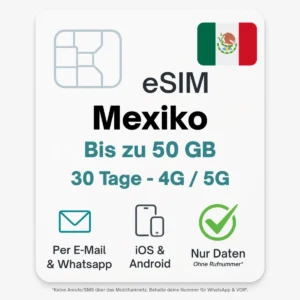
Stay online in Mexico at all times – with the digital POVNOMAD eSIM. Simply scan the QR code, activate it and surf on the Movistar 5G or Telcel 4G network right after landing. Perfect for Mexico City, the beaches of Tulum or exploring Chichén Itzá.
POVNOMAD · eSIM choice
Which eSIM should I choose?
Two IP options. One goal: the best connection for your needs.
Hong Kong IP
Most apps work
Google, WhatsApp, Instagram, YouTube & many more.
Restrictions possible
Some services limited – e.g. TikTok, certain streaming or banking services.
Ideal for everyday use
Social media, messaging, browsing and most applications.
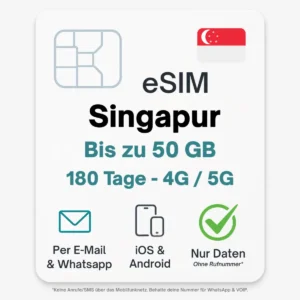
Singapore IP
TikTok often works reliably
Higher success rate, fewer restrictions (especially on iPhone).
Perfect for AI tools
ChatGPT, Claude, Gemini, Midjourney, Perplexity & more.
Streaming without compromise
Netflix, Disney+, HBO Max, Hulu – in the best quality.
More freedom in your digital life
Banking, PayPal, Western news & international services.
🏅 Our experience
Hong Kong: approx. 85 % stable
Singapore: approx. 90–100 % stable (iPhone tends to beat Android)
🛡️ Important notes
We guarantee the IP location only (Hong Kong / Singapore).
How individual services behave can vary.
Our advice: test a small starter pack first (e.g. 3 GB SG). No returns once usage has started.
This is how easy it is
Online in 3 steps
Buy & receive
QR code within 5 min by email & WhatsApp
Install the eSIM
One-click install, set up in 2 min
Online right away
Connected automatically on arrival
Your benefits at a glance
Ready in seconds
No physical SIM needed
No roaming fees
No hidden costs
High speed everywhere
Stable connection at your destination
Hotspot ready
For laptop & tablet
Activate within 100 days
Buy now & be prepared
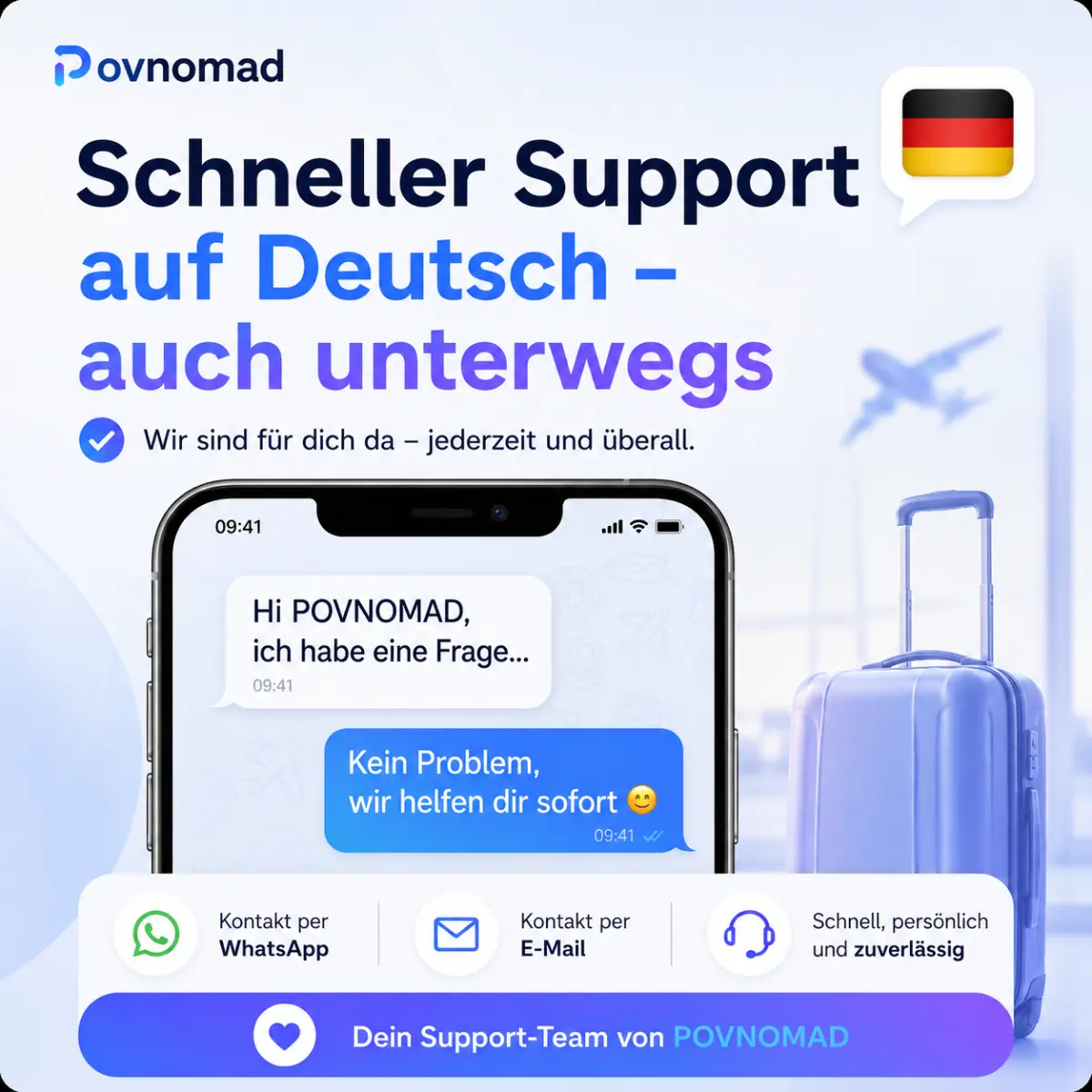
WhatsApp support
Fast, personal customer service
What does "Unlimited Smart" mean?
The perfect mix of high speed and an always-online guarantee – so you are never stuck without internet on your trip.
Features
Technical data
Your risk: €0
30-day satisfaction guarantee
Full support, and if the eSIM goes unused we refund the full purchase price. Easy as that.
Please note: we keep optimising our plans. The listed network operators / data-exit countries are examples. Short-notice changes are possible.
Pick the method that suits your device best. Both lead to the same result.
Method 1 – quick install via one-click button
Buy your eSIM at povnomad.com
You immediately get an email with your QR code, your quick-install buttons and the eSIM LINK.
Open your eSIM email and tap “Android” or “iPhone”. Follow the device instructions.
Turn on roaming for the eSIM.
Method 2 – scan the QR code manually
Open the eSIM function (e.g. “Mobile network” or “SIM manager”)
Scan the QR code – the eSIM installs itself.
Set the eSIM as your primary data connection.
Turn on roaming for the eSIM.
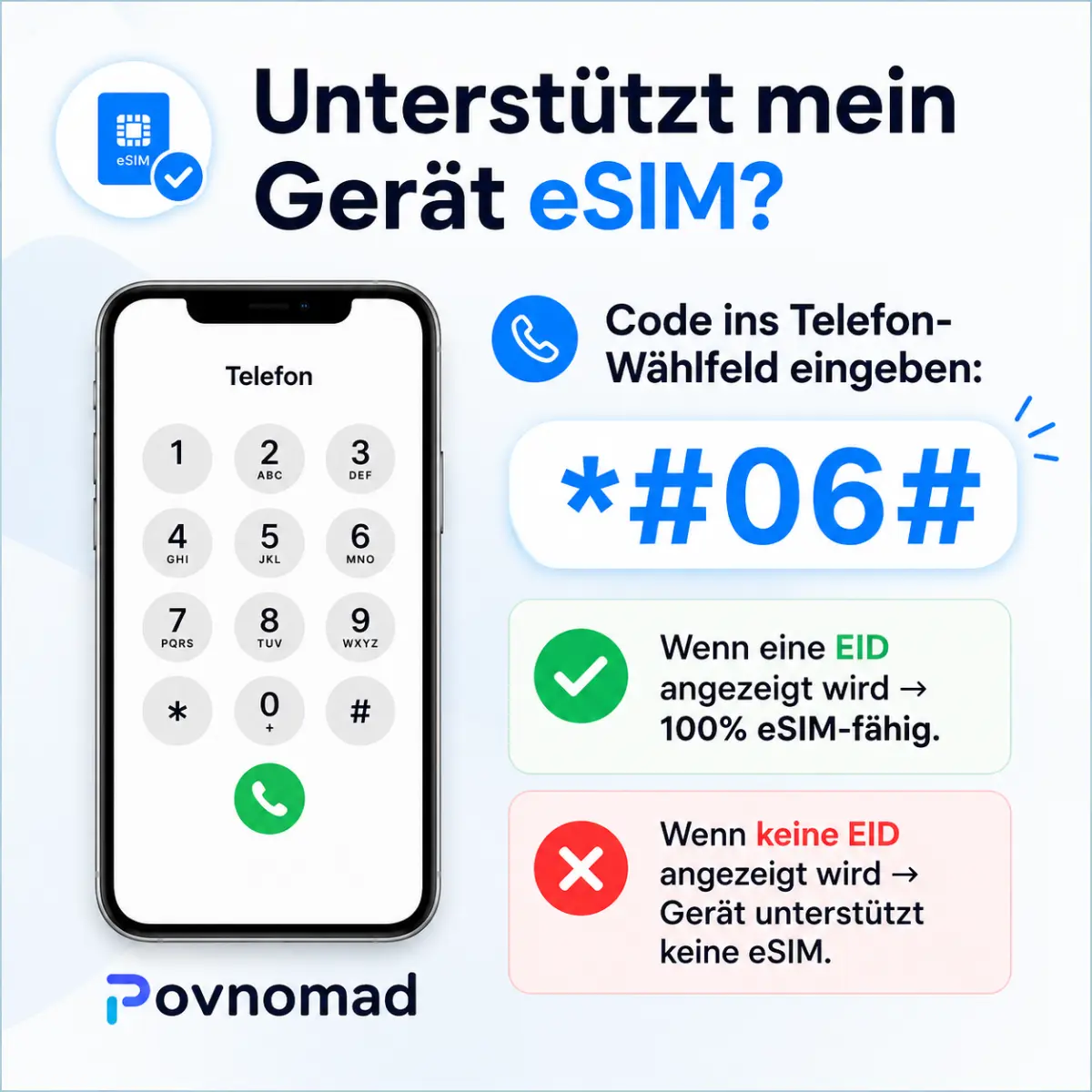
How to find out whether your phone supports eSIM:
Check online: check compatibility online – just enter your model.
Dial *#06# – does an EID show up? → eSIM-ready!
Check directly in your settings:
📱 iPhone
- Settings → Mobile network
- Add SIM
- “Add eSIM” → ✅ eSIM possible
🤖 Samsung / Android
- Settings → Connections
- SIM manager
- “eSIM” appears → ✅ eSIM-ready
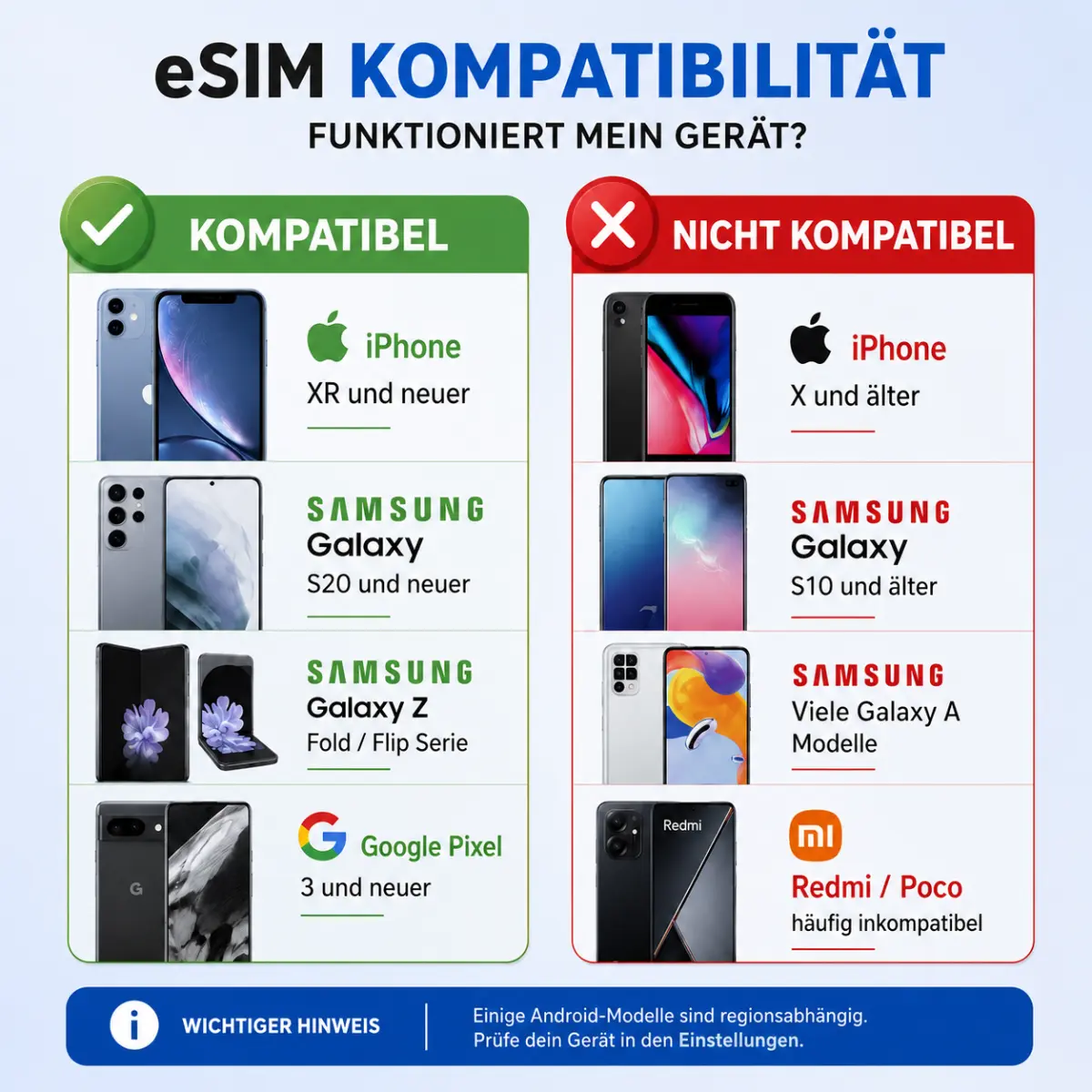
Supported devices (selection):
⇒ Check your device now (compatibility check)Our eSIMs connect automatically to the best available network – e.g. Movistar or Telcel.
You find the operators in use in your eSIM link under “Networks”.
Network quality by location
Cities & tourist areas: stable 4G/LTE, often 5G too
Remote regions: coverage may be limited
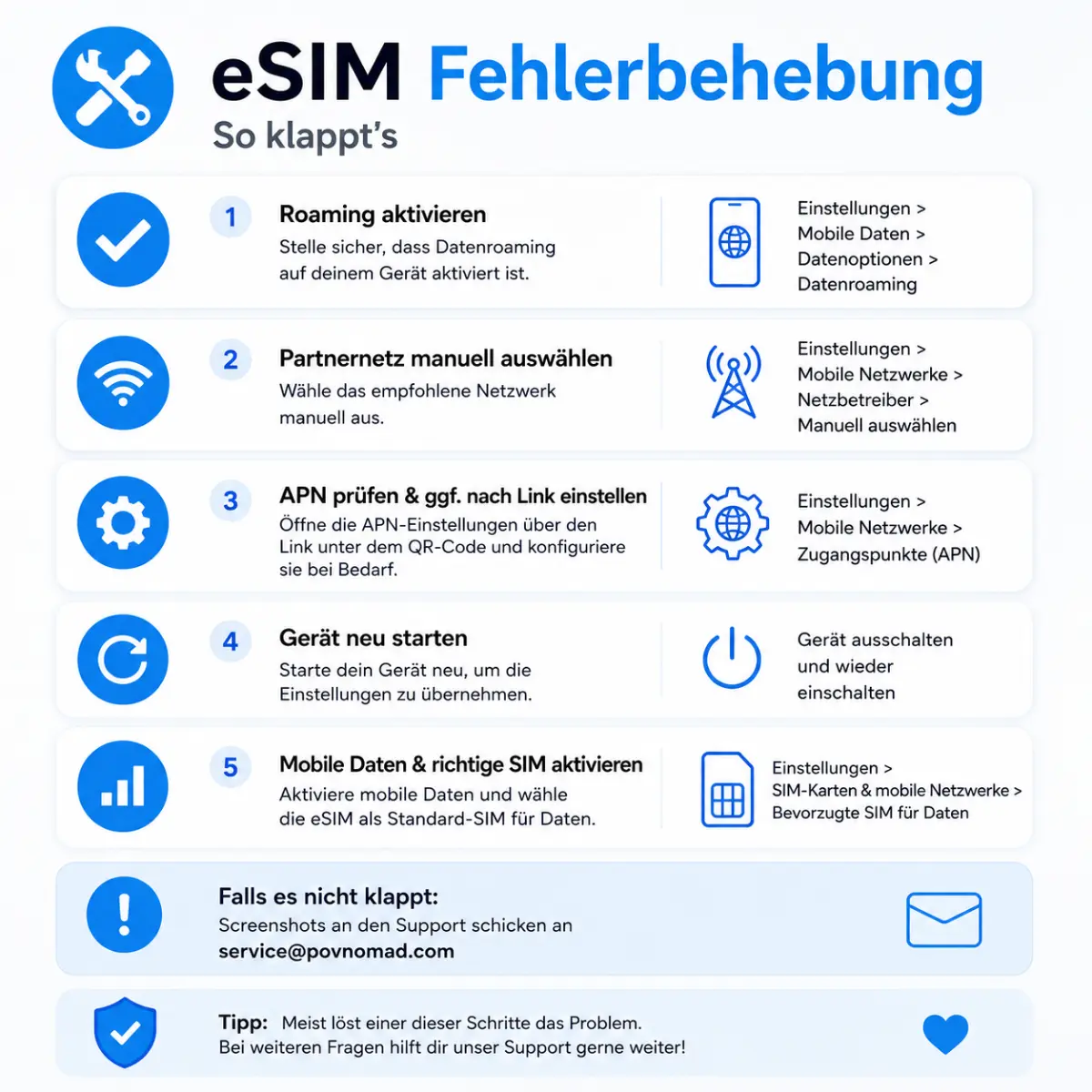
⚠️ Possible causes – check these:
Not in the destination country yet – reception only after arrival
Turn on mobile data and data roaming for the eSIM
Check the APN settings (details in the eSIM link)
Select the network manually: Settings → Mobile networks → Network operators
💬 More questions?


Reviews
There are no reviews yet.