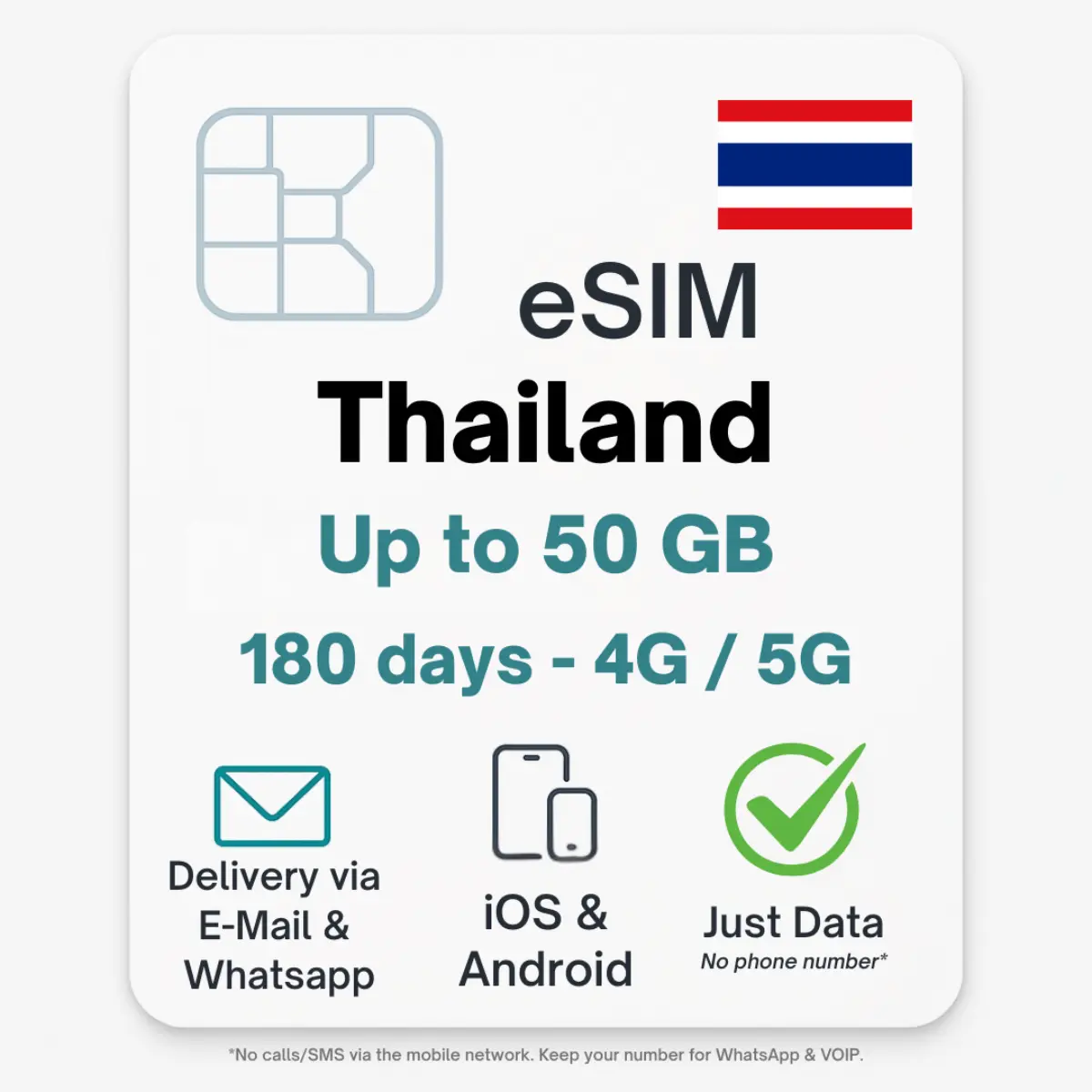
Thailand eSIM & eSIM Thailand Premium (SG)

From 2,90 incl. no VAT according to § 19 UStG

+ express delivery by mail
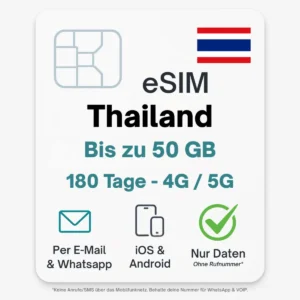
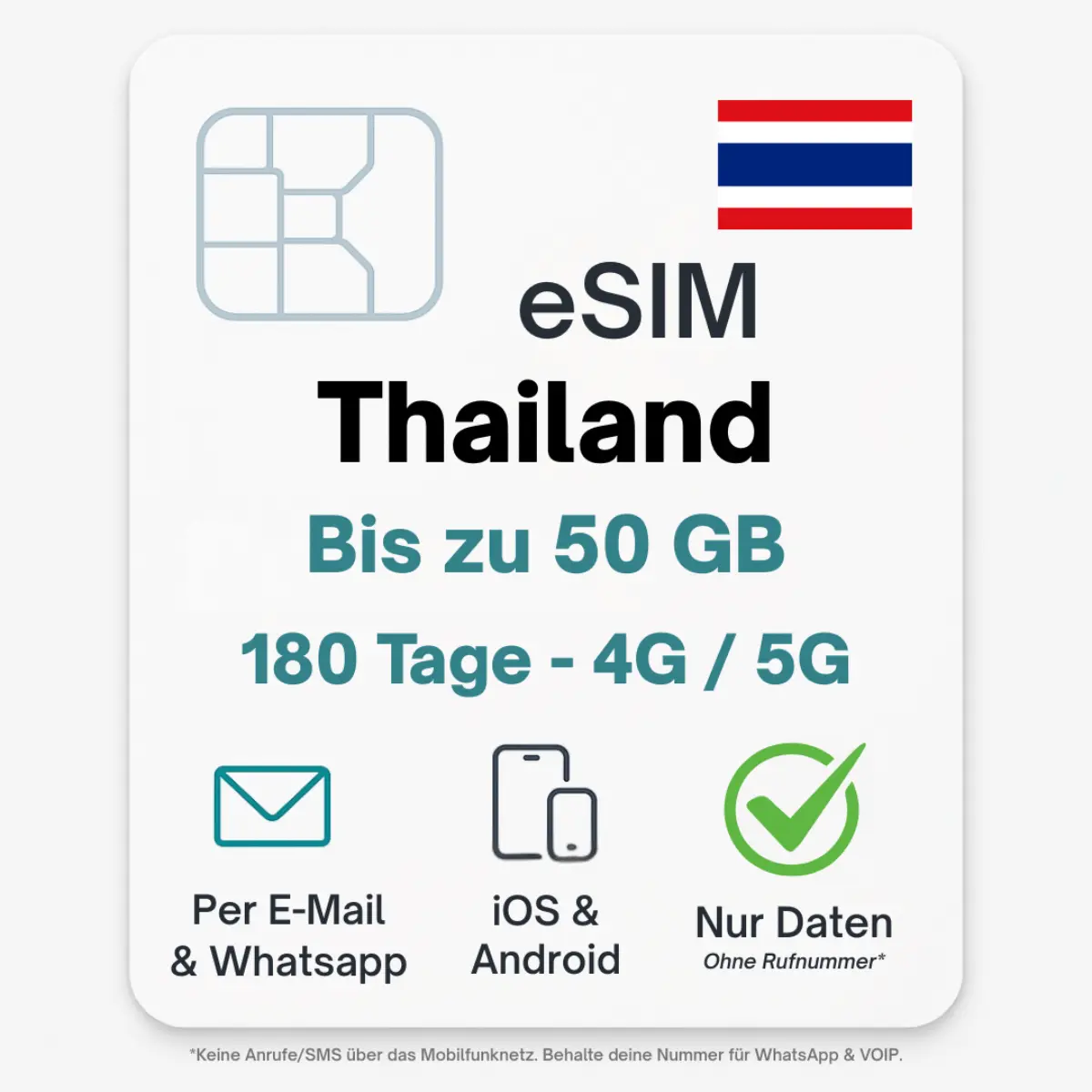
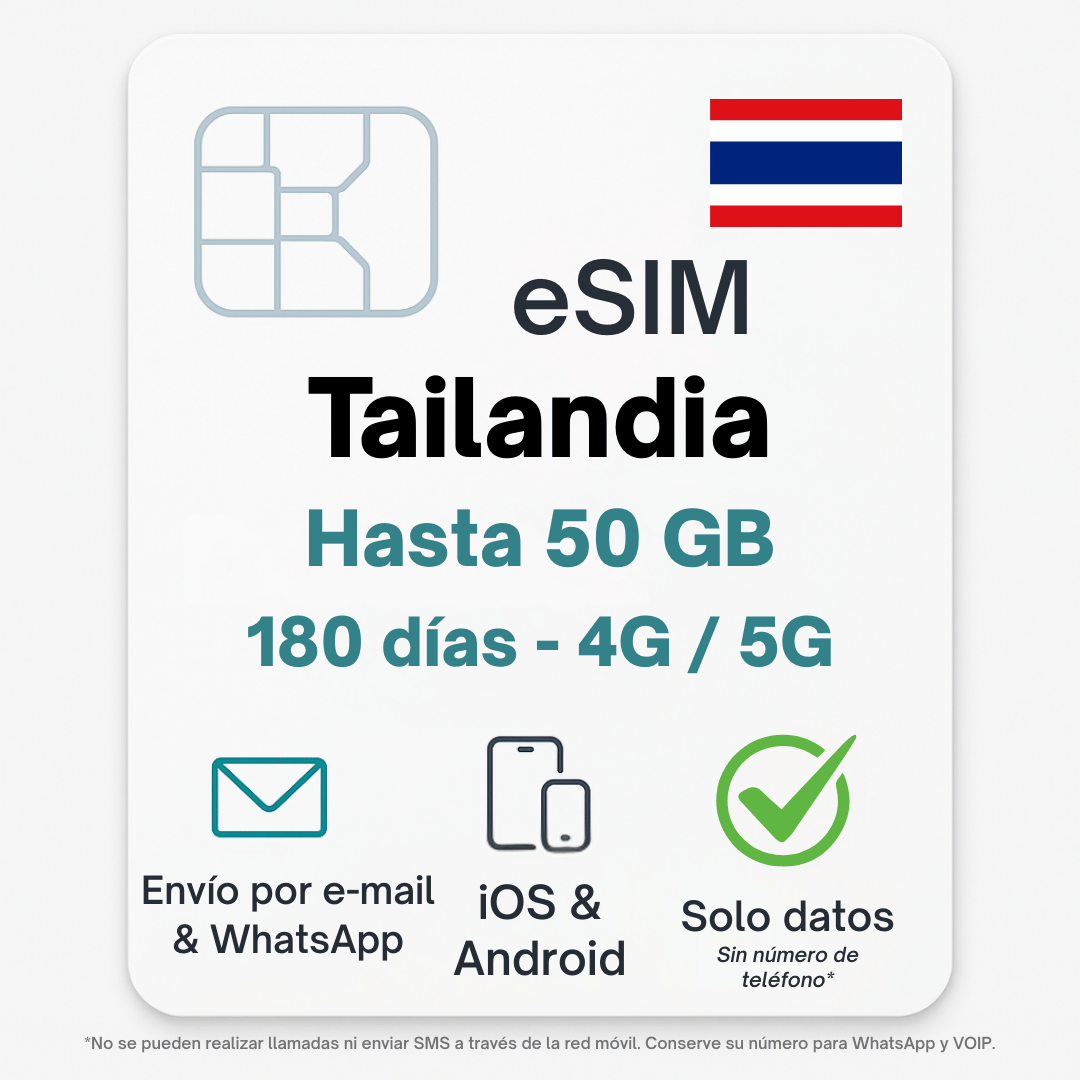
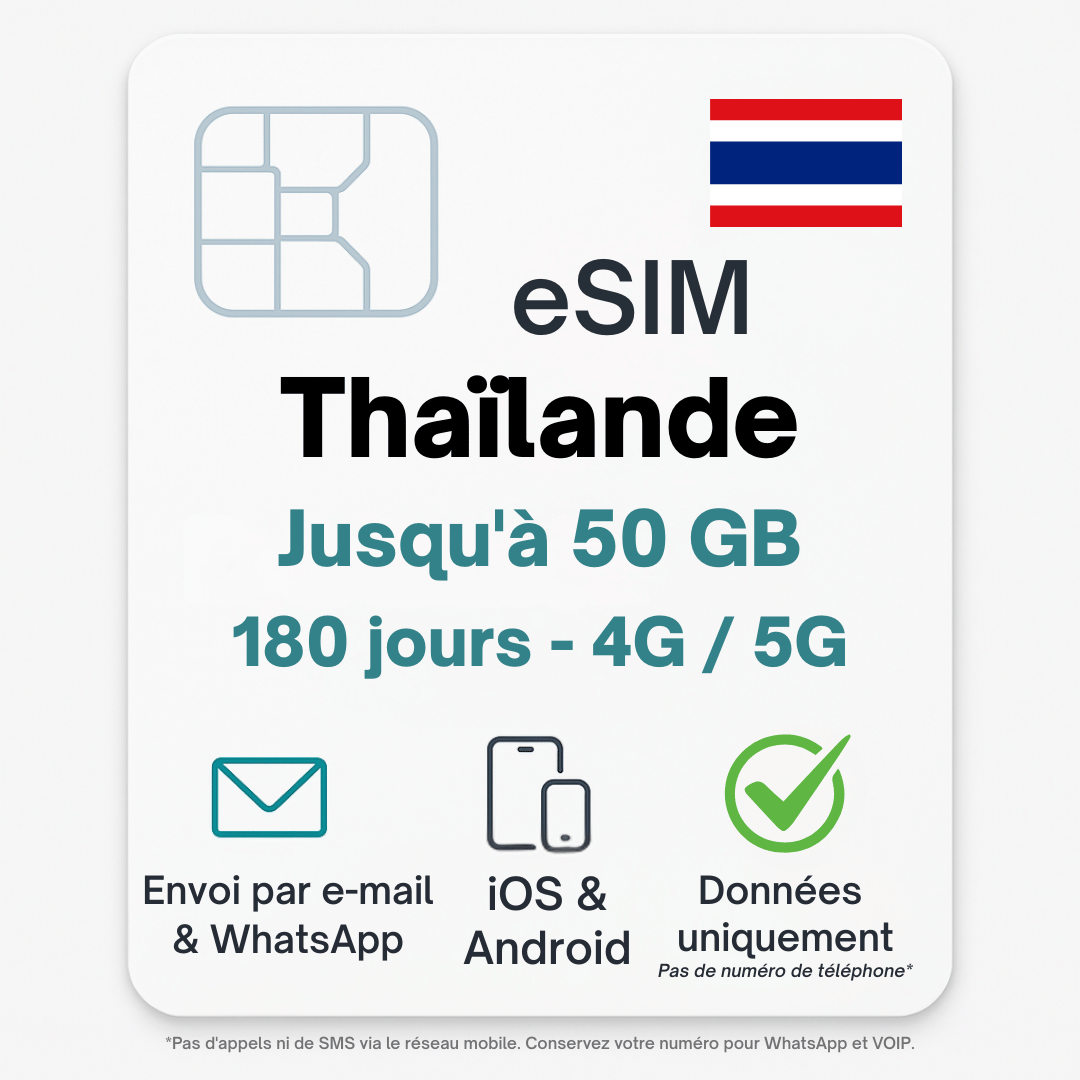
  • eSIM Thailand – can be activated immediately & without roaming costs
  • Choice of Hong Kong IP (cheap) or Singapore IP (“TikTok ready”)
  • QR code by e-mail – can be used in seconds
  • Hotspot shareable, high-speed 4G/5G (where available)

🌍 eSIM Thailand – can be activated immediately & without roaming charges

Stay online in Thailand – with the digital POVNOMAD eSIM.
Simply scan the QR code, activate and surf the AIS & TrueMove 4G/5G network immediately after landing.
Perfect for Bangkok, island hopping (Phuket, Koh Samui, Koh Phangan) or northern Thailand (Chiang Mai, Pai).

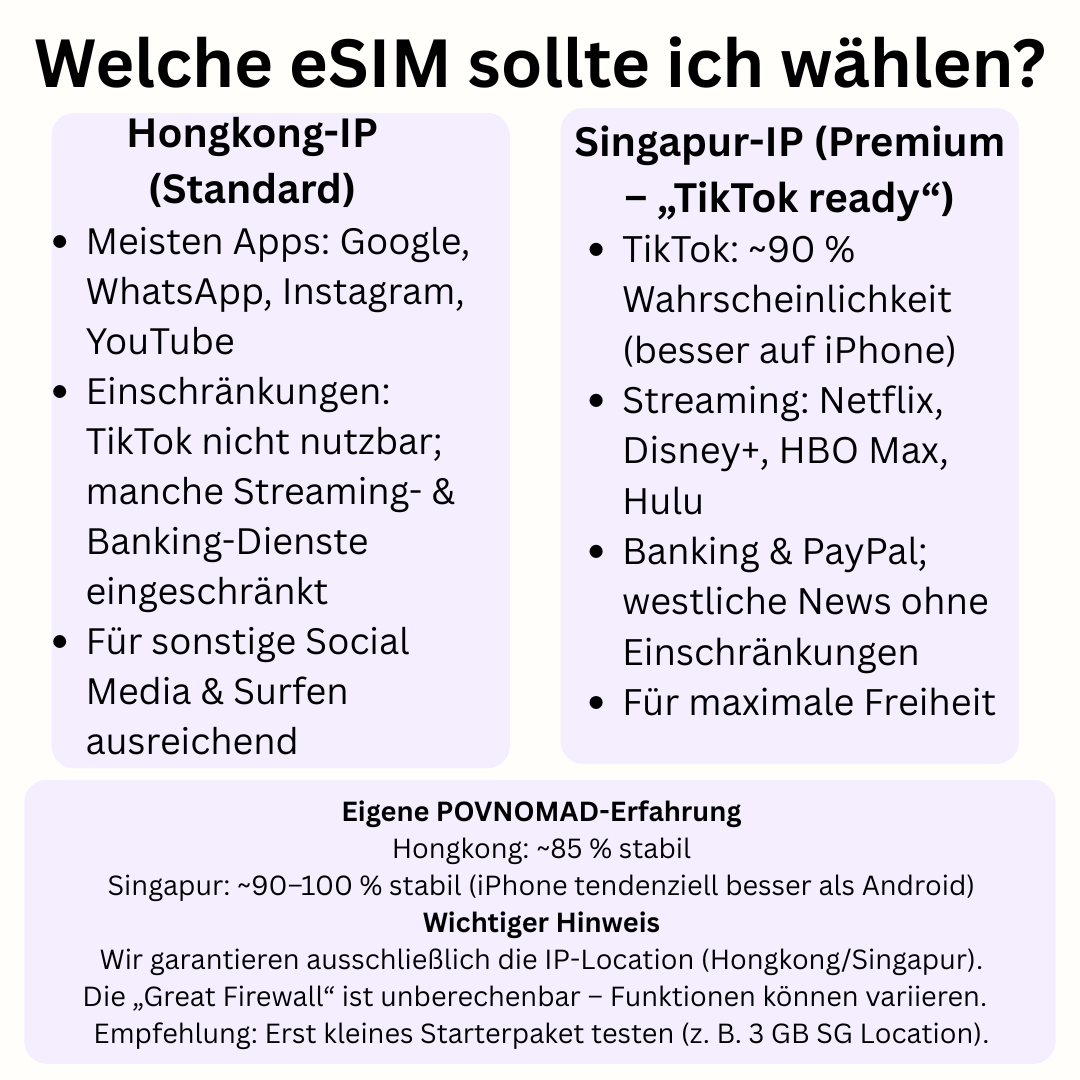
🤔 Which eSIM should I choose?

We offer two variants – choose according to your needs:

  • 👉 With Hong Kong IP (cheaper): Most western apps run without VPN (Google, WhatsApp, Instagram, YouTube).
    Limitation: TikTok works with HK-IP limited or not at all (international version).
  • 👉 With Singapore IP (Premium “SG Location – TikTok ready”): Free internet, your traffic looks like it’s from Singapore.
    Generally also works with services that hook up with HK-IP:
    TikTok (international version, ~90 % probability, mostly problem-free with iPhone),
    Streaming (Netflix, Disney+, HBO Max, Hulu),
    Western News & Banking/PayPal with Geo-Checks.

🧪 Our POVNOMAD experience

  • HK-IP: approx. 85 % of all apps/websites are stable.
  • SG-IP: approx. 90-100 % (often more reliable on iPhone than on Android).
  • Special feature of TikTok: The app reads SIM/device signals, among other things – not guaranteed on every device.
    The SG variant (“TikTok ready”) is currently the best option.

Important note: We only guarantee the IP location (Hong Kong or Singapore) of the eSIM.
Which apps/services actually work may vary. If certain services are critical, test a small SG starter package (e.g. 3 GB) first. Return after use is excluded.

🚀 Advantages

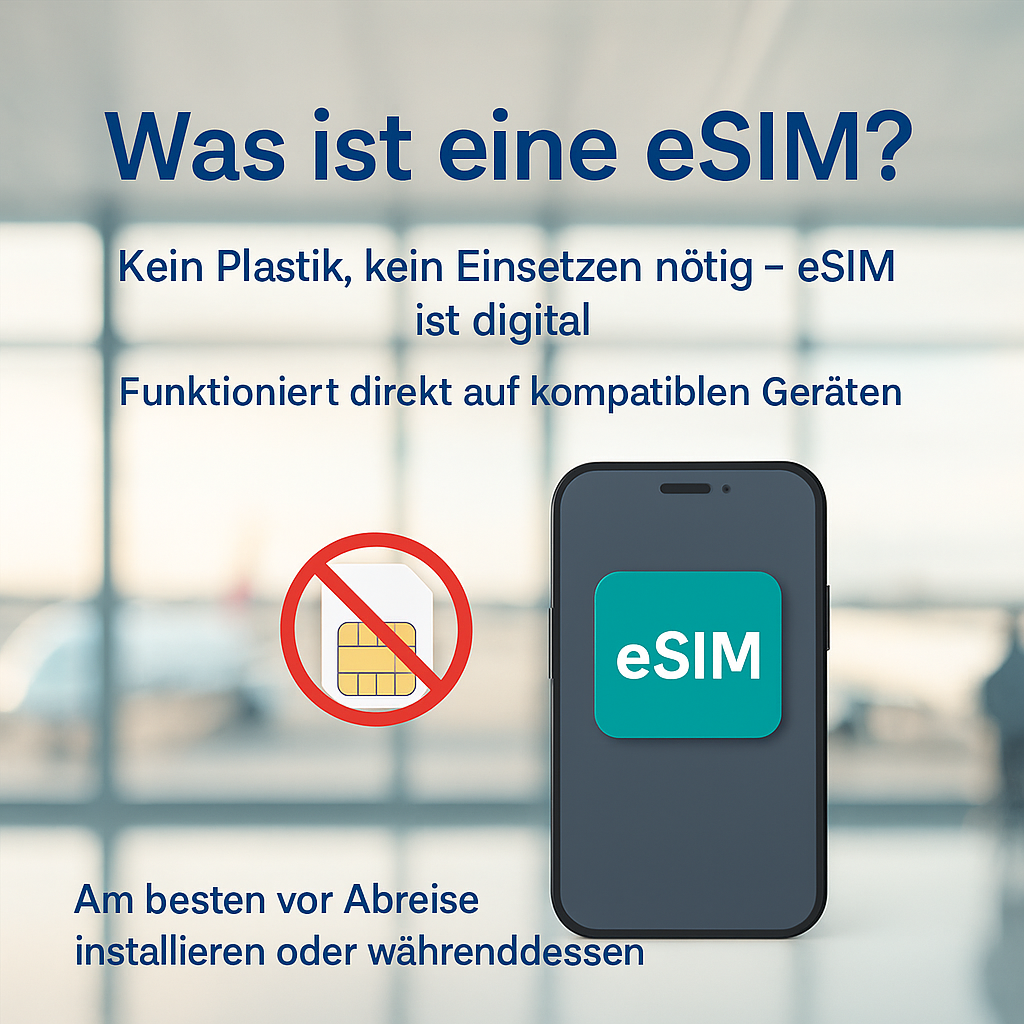
  • Can be activated immediately – no physical SIM required
  • No roaming charges or hidden costs
  • High-speed data (4G/5G, where available)
  • Hotspot usable – ideal for laptop & tablet
  • Can be activated up to 180 days after purchase

➡️ You can find more information about the eSIM Thailand below
or ask us your questions directly via 💬 our WhatsApp customer service.


Functions

Use in: 🇹🇭 Thailand eSIM
Top up possible: Yes
Data only: Yes
SMS: No
Calls: No (only via apps/VOIP)

📱 Compatibility

Check compatibility

⚙️ Technical data

Activation possible until: 180 days after purchase
Data source country (IP): Hong Kong / Singapore (depending on the eSIM selected)
Hotspot: Yes
Speedlimits: No (just data)
Cover: TH
Networks: AIS 5G, TrueMove 5G – Check network coverage here
Supported countries: Thailand
Instructions to activate

  1. Buy your eSIM on povnomad.com
  2. You will immediately receive an email with your QR code and the instructions
  3. Open the eSIM function on your smartphone (e.g. under “Mobile network” or “SIM manager”)
  4. Scan the QR code – the eSIM is installed
  5. Select the eSIM as the primary data connection
  6. Activate roaming for the eSIM

Tip: Only activate the eSIM shortly before departure or on arrival so that the validity period does not start early.

🇩🇪 To find out if your smartphone supports eSIM:

You can check directly in the settings whether your device is eSIM-enabled:

  • iPhone:
    Settings → Mobile network → Add SIM
    → If “Add eSIM” or “Add mobile tariff” appears → ✅ eSIM possible
  • Samsung / Android:
    Settings → Connections → SIM manager
    → If “eSIM” or “Add mobile tariff via QR code” is displayed → ✅ eSIM-enabled

💡Tip: Not every model has this function – even if the series supports eSIM.

➜ Check device now (compatibility check)

🇩🇪 Supported devices (selection):

Many modern smartphones support eSIM. Here are some of the most popular and latest models:

  • Apple: iPhone 13, 14, 15 (all variants), SE (2nd gen and newer)
  • Samsung: Galaxy S21, S22, S23, S24, Z Flip 3-5, Z Fold 3-5
  • Google: Pixel 6, 6a, 7, 7a, 8, 8 Pro
  • Huawei: P40, P50 (international models only)
  • Motorola: Razr 2022, Razr 40

❗ Please note: Some models only support eSIM in certain regions or with special firmware.


🇬🇧 How to check if your phone supports eSIM:

You can check directly in your phone’s settings:

  • iPhone:
    Settings → Mobile Data → Add eSIM
    → If you see “Add eSIM” or “Add Cellular Plan” → ✅ eSIM supported
  • Samsung / Android:
    Settings → Connections → SIM card manager
    → If you see “Add eSIM” or “Add mobile plan via QR code” → ✅ eSIM compatible

💡Tip: Not all phones in a model series support eSIM – check your exact version.

🇬🇧 Supported Devices (Examples):

Many modern smartphones support eSIM. Below are some of the most popular and recent models:

  • Apple: iPhone 13, 14, 15 (all variants), SE (2nd gen and newer)
  • Samsung: Galaxy S21, S22, S23, S24, Z Flip 3-5, Z Fold 3-5
  • Google: Pixel 6, 6a, 7, 7a, 8, 8 Pro
  • Huawei: P40, P50 (international models only)
  • Motorola: Razr 2022, Razr 40

❗ Note: Some devices only support eSIM in specific regions or with certain firmware versions.

➜ Check device compatibility


🇩🇪 Network & usage:

Our eSIMs automatically connect to the best available network in the country of travel – e.g. MTN, Vodacom, Claro, Orange, AIS or Telkom.

✅ You can find the mobile phone providers used in the product description.
📶 You can check how well the network is developed at your destination here:
➜ Check network coverage worldwide (nPerf)

The network quality depends on the location:

  • ✅ In cities and tourist areas: mostly stable 4G/LTE and often also 5G
  • ❗ In remote regions: limited coverage or lower speed

💡 The eSIM only works in the selected country or region. Roaming is not possible.

💬 Want to know how much data volume you have left or how long your eSIM is valid for?

➜ Write to us directly on WhatsApp


🇬🇧 Network & Coverage:

Our eSIMs automatically connect to the best available local network – such as MTN, Vodacom, Claro, Orange, AIS, or Telkom.

✅ The partner carriers used are listed in the product description.
📶 You can check real-time network coverage here:
➜ Check global coverage map (nPerf)

Network performance depends on your location:

  • Urban and tourist areas: usually solid 4G/LTE signal and often even 5G
  • Rural or remote regions: slower speeds or limited signal possible

💡 The eSIM is valid in the selected country / region only. Roaming is not supported.

💬 Want to check your remaining data or validity period?
➜ Contact us on WhatsApp

FAQ – Frequently asked questions:

How do I receive my eSIM?

Directly by email, including a QR code and instructions – immediately after purchase.

When does the term of my eSIM begin?

Upon first contact with the partner network – not upon purchase. You can also install the eSIM immediately! The term days only begin with the first contact in the host country.

I have installed the eSIM, but have no connection to the network?

Normally, there is not much to consider during installation – we recommend scanning the QR code or using the quick installation button in the eSIM link. If the connection does not work immediately, follow our troubleshooting instructions (below).

Where can I see the remaining data volume or the remaining term?

You will receive an individual eSIM link by email with details about your ordered eSIM. Follow the link and scroll down to ‘Check Usage’ – here you will find the remaining duration and remaining data volume. You will also find other interesting details under the link, such as valid countries, network partners you can use and quick installation buttons for Android and iPhone.

Is hotspot permitted?

Yes, in most countries. Details can be found in the product description.

Can I top up my data allowance or extend the term?

Yes, of course – in the email delivery you will find the item ‘Top up eSIM’ or search for ‘Top up’ in the store and book your extra gigabytes!

Still not working? Possible sources of error:

– You are not yet in the country/region of the eSIM (e.g. you buy a Turkey eSIM before your holiday, install it on your device, but have no reception? –> You will only receive reception on our partner network once you land, then it will work).

– Check whether the following has been activated: 1) Mobile data for the eSIM 2) Data roaming for the eSIM

– Check that the APN settings are correct. At the top, you will find the APN settings tab (e.g. on Android: the APN for eSIM Turkey or Georgia must be entered manually here – it is ‘isp’). You can find the correct APN settings under your individual eSIM link, which you received by email.

– Select our partner network manually: Settings –> Mobile networks –> Network operators –> Manual search –> You can find our network partner in the POVNOMAD eSIM email under the ‘Activate now’ button.

💬 Do you have any further questions? ➜ Write to us directly on WhatsApp.

👉 More questions? Click here for the complete FAQ page.

You may also like…

Shopping Cart
Fragen zur eSIM?
Thailand eSIM & eSIM Thailand Premium (SG)Thailand eSIM & eSIM Thailand Premium (SG)
From 2,90 incl. no VAT according to § 19 UStG Select options